CLO3D Beginner's Bootcamp

Stop Sketching.
Start Designing.

Learn CLO3D from a career fashion designer and go from flat sketches to fully constructed, fit-tested, production-ready garments.

CLO3D

Watch this before you open Illustrator or Procreate one more time

The Problem
Still Designing
Like This?
01 —
Your sketch looks great. But its just a sketch. Illustrator and Procreate only build a flat visual — not a working pattern, not something you can actually make or produce.
02 —
Fixing samples means starting over again. After learning CLO you will catch fit issues and construction mistakes before you spend a dollar sampling.
03 —
YouTube won't get you there. Scattered CLO tutorials with no structure, never addressing the real pain points. No one teaching CLO end-to-end for modern designers.
The Difference
One Tool.
Multiple Outputs.
Illustrator / Procreate / Photoshop
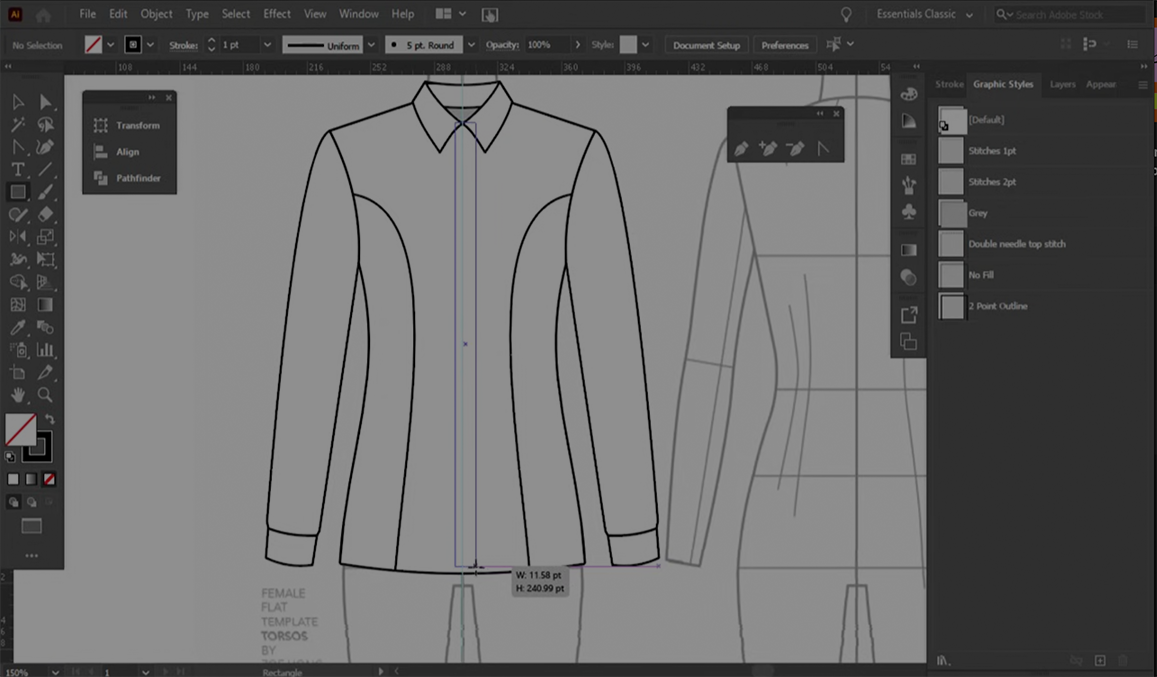
A Limited Flat Drawing
  • Not made to scale
  • No pattern generated
  • Can't test fit or construction
  • Colorways done manually
  • A new drawing for every view
Image Placeholder Flat sketch / Illustrator screenshot
CLO3D
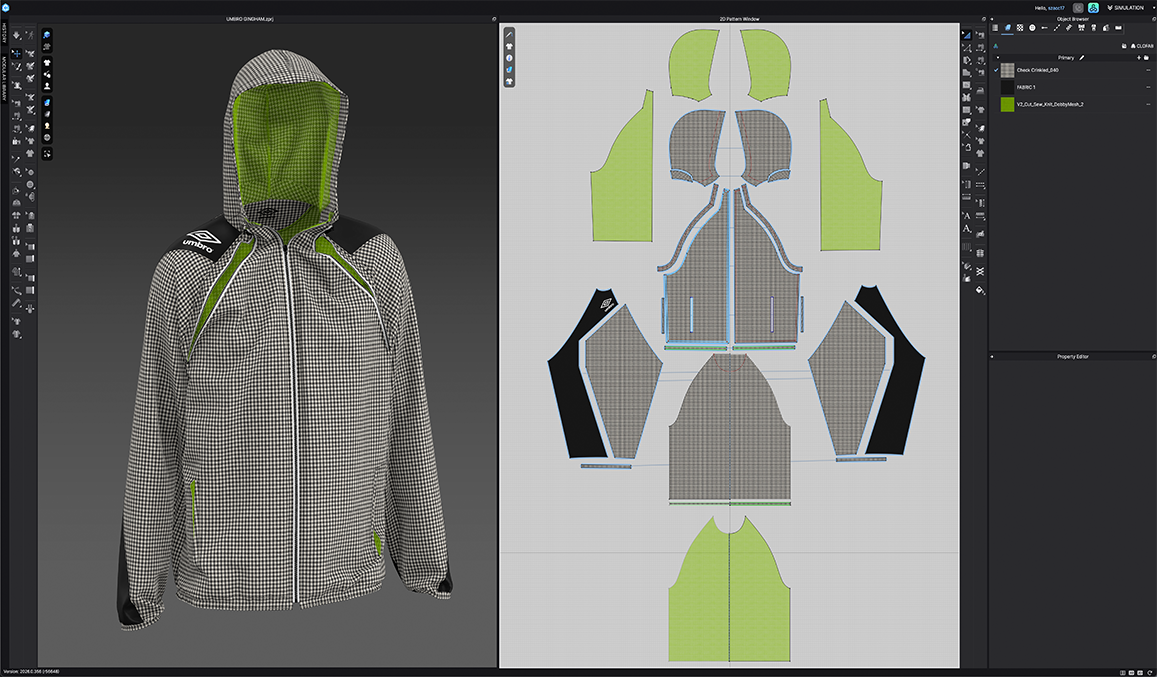
A Complete Garment
  • Exact 3D visualization of your garment
  • Full working pattern built simultaneously
  • Fit test and tweak construction anytime
  • Switch colorways in seconds
  • All views generated at once
Image Placeholder CLO3D garment render / interface
Your Instructor
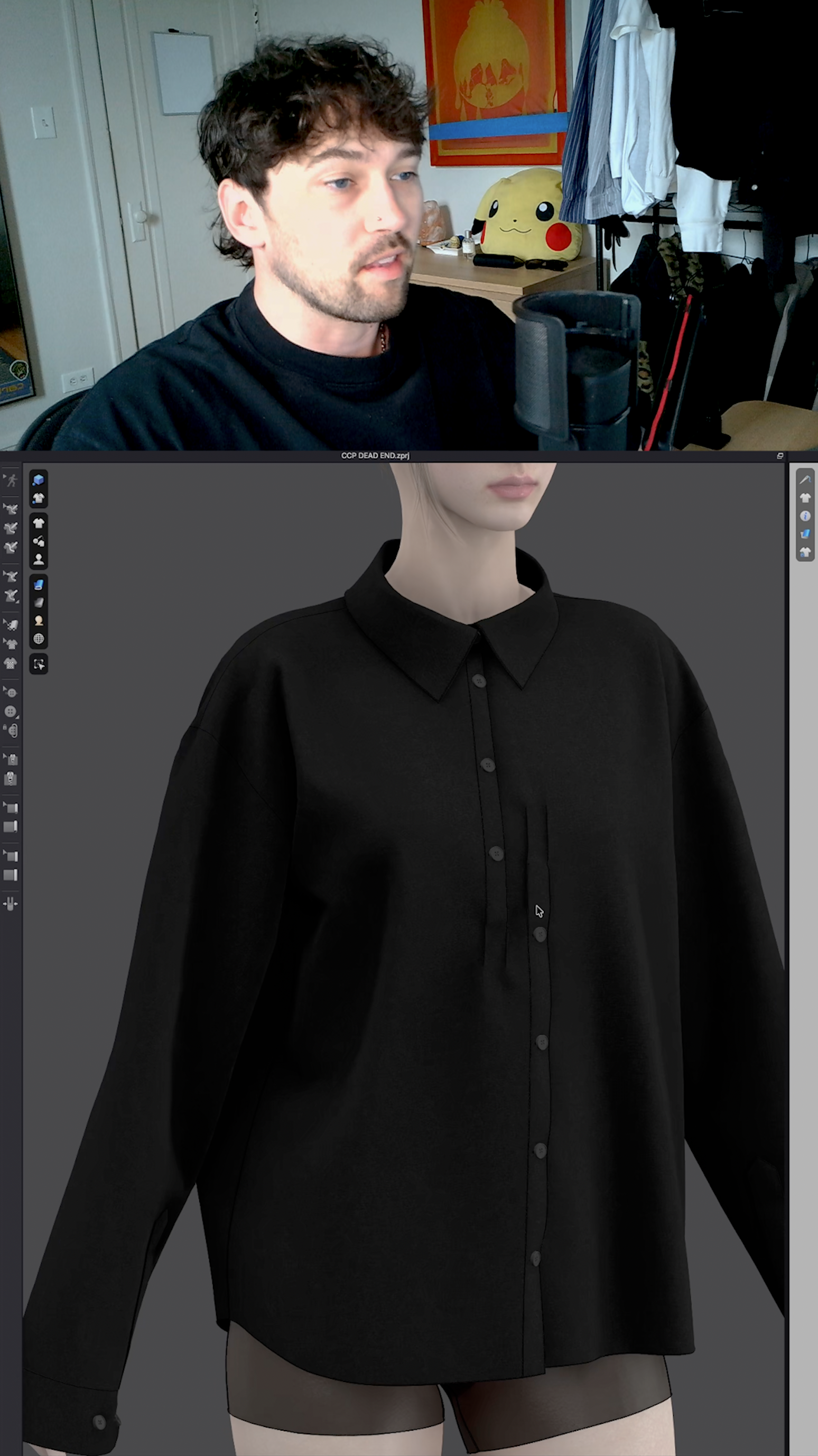
Photo ↗
Learn From Someone Who Does This For a Living

When I first started learning CLO3D, most tutorials either skipped important fundamentals or made the process feel way more complicated than it needed to be.

Since then, I've spent years working in fashion, studying digital garment development at Parsons, and using CLO3D in real-world projects for brands and clients.

I built this course to simplify that learning curve — combining the most valuable lessons, workflows, and techniques I've picked up along the way into one beginner-friendly system.

Practical lessons. Real workflows. The stuff that genuinely helps you improve.

7+Years in Fashion
100sHours of Client Work
CLO3D Hours Logged
The Bootcamp
Here's What You Get
(Lifetime Access)
Step-by-Step Video Walkthroughs
No jump cuts. Every click, every decision, explained in real time as I build alongside you.
Practice Files Included
Design along with every lesson using the exact files I use. Learn by doing, not just watching.
Beginner to Confident
A full end-to-end curriculum built for fashion designers — not tech people. No prior experience needed.
Lifetime Access
Rewatch any lesson any time as your skills grow. Yours forever, including all future updates.
Course Content Preview
11modules
50+lessons
9practice files
lifetime access
click to expand +
01
Getting StartedDownload the software, set up your workspace, and get comfortable in CLO3D's 2D and 3D environment.
  • Getting Started
  • New Library
  • CLO3D Navigation
  • Bootcamp Setup
  • User Flow Navigation
  • 3D Gizmo Practice
  • female_t-shirt.zpac
  • male_t-shirt.zpac
02
All About AvatarsLoad, customize, and pose your avatar — then use arrangement points to place patterns on the body.
  • All About Avatars
  • Joints
  • Arrangement Points
  • PRACTICE FILE: M2 L3 - Arrangement
  • Homework
03
Pattern Drafting ToolsDraw, edit, and curve pattern pieces using shape tools, symmetry, and internal lines.
  • Drafting Tools Intro
  • Pattern Drawing Tools
  • Curves and Symmetry
  • Internal Shapes and Lines
  • Tracing A Pattern
  • Homework
  • PRACTICE FILE: M3 L5 Pattern Tracing
04
Pattern Editing ToolsReshape, curve, smooth, and match segments to get your patterns fitting exactly right.
  • Pattern Editing Part 1 - Tools
  • Homework
  • Pattern Editing Part 2 - Curves
  • Smooth Curve Tool
  • PRACTICE FILE: M4 L2 - Smooth Curve
  • Add Point & Match Measurement
05
All About SewingMaster every sewing tool, then build a full t-shirt and track pant from start to finish.
  • Sewing Exercise Prep
  • Homework
  • Sewing Exercise 1 & 2
  • Sewing Exercise 3 & 4
  • Sewing a Garment (T-shirt)
  • PRACTICE FILE: M5 L4 - T-shirt Sewing
  • Sewing a Garment (Track Pants)
  • PRACTICE FILE: M5 L5 - Track Pants Sewing
06
Fabrics & Fabric PropertiesAdd real textures, print graphics, and switch colorways instantly with the Colorway Editor.
  • Fabric Properties
  • Adding Fabrics
  • Prints
  • PRACTICE FILE: M6 L3 - Prints & Graphics
  • Graphics
  • Colorway Editor
  • PRACTICE FILE: M6 L5 - Colorway Editor
  • Homework
07
Garment FinishesZippers, buttons, topstitching, elastic — the details that make your garment feel complete.
  • Zippers
  • Buttons
  • Fastening Buttons
  • Top Stitching
  • Elastic
  • Homework
08
Fabric FoldingFold cuffs, waistbands, and collars cleanly, then add pleats and structural shaping for realism.
  • Folds
  • Pleats Please Part 1
  • PRACTICE FILE: M8 L2 - Pleats Please
  • Pleats Please Part 2
  • Homework
09
Pattern Finishing & ExportingSeam allowance, notching, annotations, and clean exports — taking your patterns production-ready.
  • Seam Allowance
  • PRACTICE FILE: M9 L1 - Seam Allowance
  • Annotations
  • Notching & Pattern Walking
  • Exporting Your Pattern
  • Homework
10
Rendering & Final TouchesSet up your render scene and produce high-quality, portfolio-ready images of your garments.
  • Render Set Up
  • Render Scene
11
Putting It All Together — The Final ProjectBuild a complete garment from scratch. Pattern, sew, fabric, finish, render. Sam's project included.
  • The Final Project
  • Final Project Set Up
  • Sam's Final Project
Social Proof
What Designers
Are Saying
★★★★★
"I spent two years watching random CLO tutorials going nowhere. This is the first time it actually clicked — start to finish."
— Student Name, Designer
★★★★★
"I had no idea I was also building my pattern the whole time. That realization alone was worth the price of the course."
— Student Name, Designer
★★★★★
"Finally someone teaching this for actual fashion designers. The practice files make all the difference."
— Student Name, Designer
What You Keep
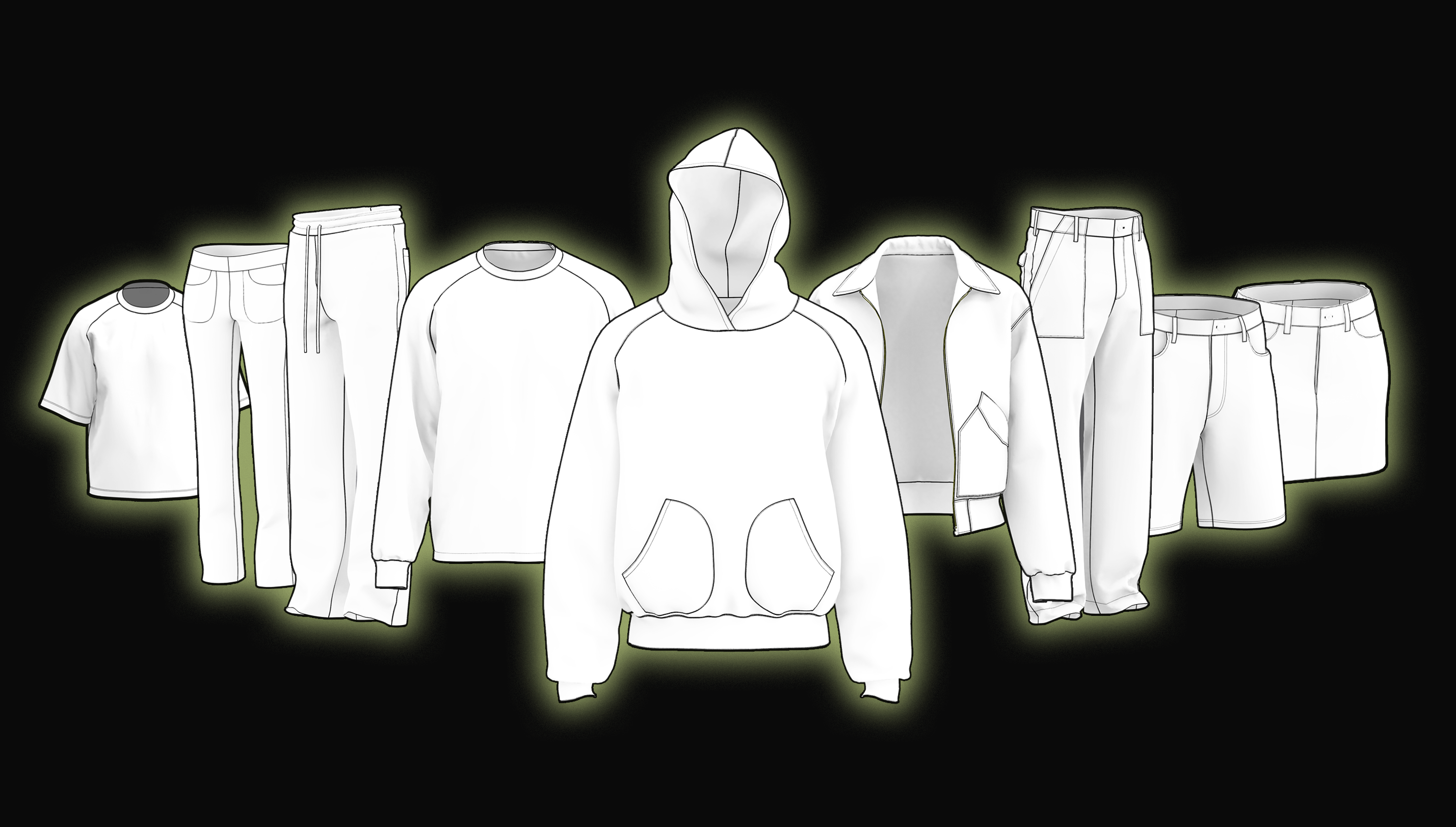
7 Premium
Practice Pattern Files
Practice garment files — included with CLO3D Beginner's Bootcamp

All included garment practice files are an important part of the course content — but they're yours to edit, customize, and keep long after you complete the bootcamp.

Use them as a template for your own designs or revisit course lessons any time you want to practice again. These aren't throwaway exercises — they're real, production-ready starting points.

Fully editable CLO3D pattern files
Use as templates for your own designs
Revisit lessons and practice any time
Yours to keep forever — no expiry
Ready?

Your Next Collection
Starts Here

One course. One tool. A completely different way to design.

$399 regular price
$359
With your 10% email discount

Lifetime access · Practice files included · No experience needed